
Coming soon · Steam release date: October 22, 2026
UpdatedONE PIECE: Grand Gourmet System Requirements Guide
Check ONE PIECE: Grand Gourmet system requirements, 64-bit PC support, Switch download sizes, and mobile compatibility before choosing a platform to play.
Jump to
What Your Device Needs Before Boarding Baratie
Before you make room for Sanji’s next restaurant, check the ONE PIECE: Grand Gourmet system requirements for your platform. The Windows edition requires a 64-bit processor and operating system, while Nintendo players need to choose the correct console version and check its storage estimate. Understanding the ONE PIECE: Grand Gourmet system requirements helps you separate PC compatibility, download space, and console edition restrictions before buying.
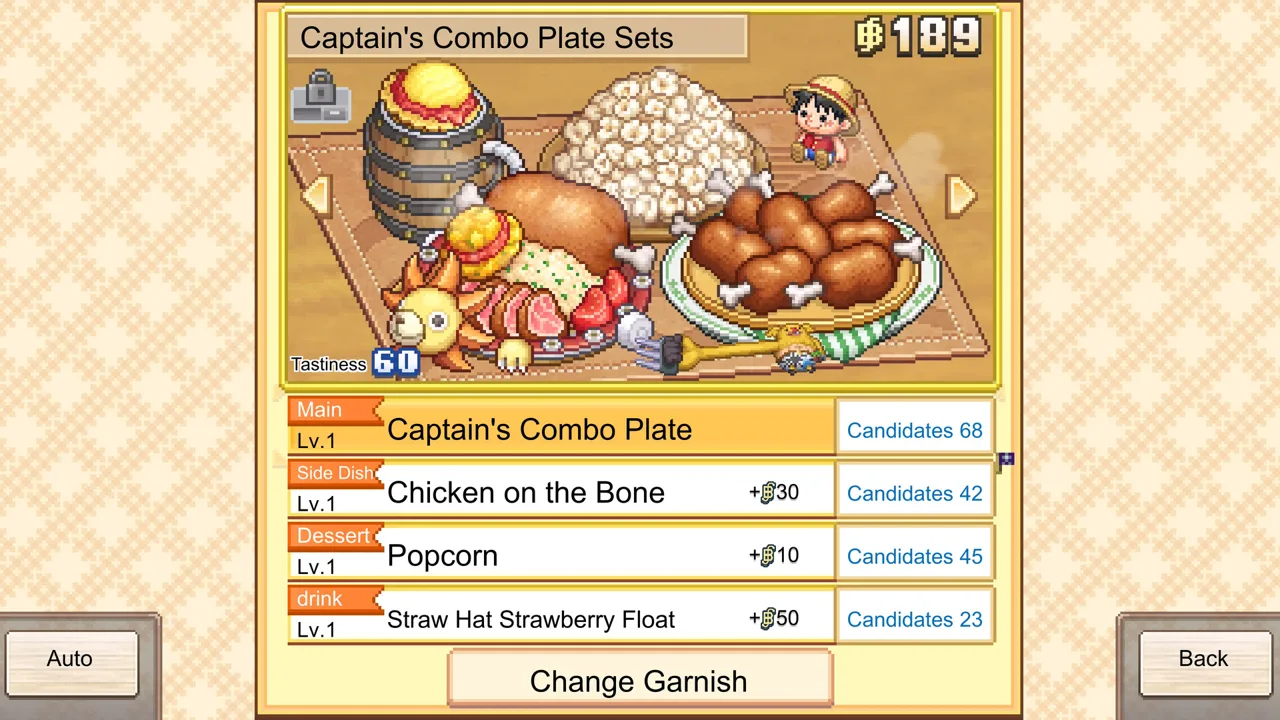
Kairosoft’s restaurant management sim brings the Straw Hat Crew aboard Baratie Number Two, a floating restaurant filled with familiar faces. Its pixel presentation gives the game a distinctive look, but appearance alone cannot tell you whether a particular computer or phone can run it.
The practical compatibility details fall into several separate checks:
- PC architecture: Both the processor and operating system must be 64-bit.
- Desktop platform: The Steam edition supports Windows.
- Nintendo edition: The Nintendo Switch 2 version requires Nintendo Switch 2 hardware.
- Console storage: Nintendo download estimates sit in the hundreds of megabytes.
- Mobile compatibility: App Store and Google Play versions are planned, with device compatibility restrictions.
Keep those checks separate. A small console download tells you about storage, while a 64-bit requirement tells you about computer architecture. Neither measurement answers every question about performance.
The ONE PIECE: Grand Gourmet system requirements are most useful when matched to the exact edition you intend to purchase. Start with your device, then work through the relevant hardware, storage, and version details below.
PC Requirements: Windows and 64-Bit Architecture
For the Steam version, the concrete ONE PIECE: Grand Gourmet system requirements concern processor and operating system architecture. Both the minimum and recommended requirement categories specify a 64-bit processor and operating system.
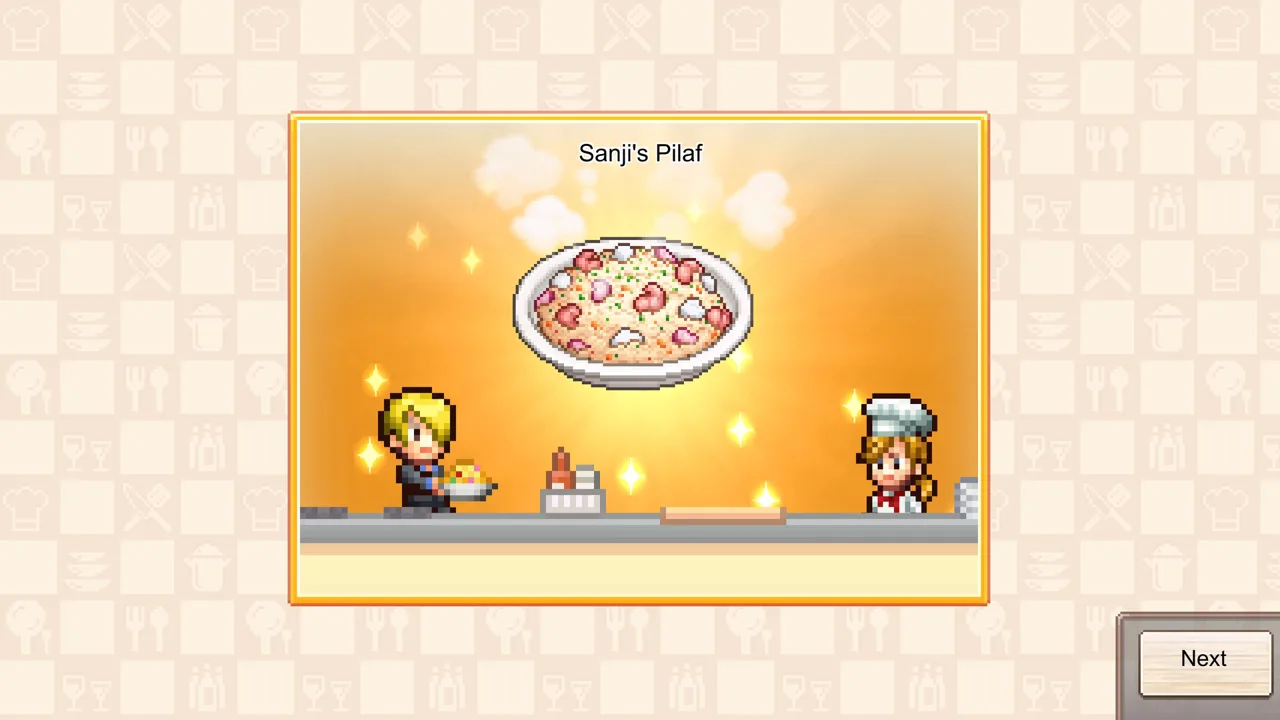 Image: Steam / Kairosoft Co.,Ltd
| PC compatibility item | Requirement or support |
|---|---|
| Desktop operating system family | Windows |
| Minimum processor architecture | 64-bit |
| Minimum operating system architecture | 64-bit |
| Recommended processor architecture | 64-bit |
| Recommended operating system architecture | 64-bit |
| Native macOS version | Unsupported |
| Native Linux version | Unsupported |
Check the processor and operating system separately
A processor and an operating system are two different parts of your setup. A computer can have a 64-bit-capable processor while running a 32-bit operating system, so checking the processor alone does not cover both requirements.
Check your computer’s system information for the processor architecture and installed operating system type. You want both to identify a 64-bit setup. If your operating system is 32-bit, that configuration does not meet the stated architecture requirement.
Architecture is also different from speed. “64-bit” describes how the processor and operating system handle data; it is not a CPU model, clock speed, graphics benchmark, or frame-rate target. Likewise, seeing the same architecture requirement under minimum and recommended does not make those categories a performance comparison.
Match the game to your desktop platform
Windows support matters just as much as processor architecture. A Mac with a 64-bit processor still runs a different operating system, and native macOS and Linux versions are outside the supported desktop platforms for this edition.
If you primarily use a Mac or Linux computer, consider the supported console and mobile platforms when choosing where to play. Keep desktop operating system support separate from controller support or cloud-saving features; those features do not change which native desktop version exists.
Use the ONE PIECE: Grand Gourmet Steam page to review the PC edition before purchasing. Compare your machine against its requirements rather than using another Kairosoft game as a hardware substitute.
Supported Platforms and Edition Compatibility
The ONE PIECE: Grand Gourmet system requirements change meaning across platforms. On Windows, you compare computer specifications. On Nintendo hardware, your main compatibility decision is selecting the appropriate console edition. On mobile, compatibility applies to your individual device.
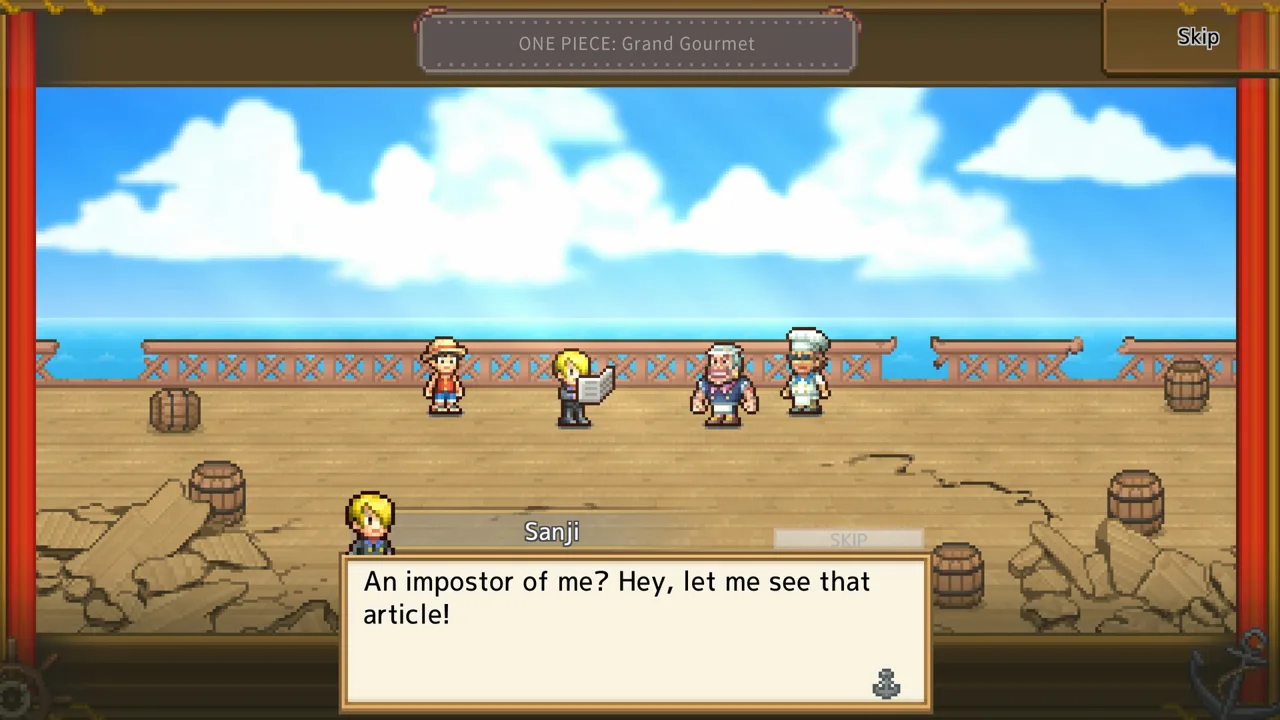 Image: Steam / Kairosoft Co.,Ltd
| Platform | Edition or compatibility detail |
|---|---|
| Windows PC | Steam edition requiring a 64-bit processor and operating system |
| Nintendo Switch | Nintendo Switch version |
| Nintendo Switch 2 | Dedicated Nintendo Switch 2 version |
| App Store | Mobile release with device compatibility restrictions |
| Google Play | Mobile release with device compatibility restrictions |
Choose the Nintendo version carefully
The dedicated Nintendo Switch 2 edition runs exclusively on Nintendo Switch 2. It cannot be used on the original Nintendo Switch.
That restriction deserves attention if you shop through a browser rather than directly on your console. The game title is the same across both editions, so read the platform name before completing your purchase.
Use the Nintendo Switch edition purchase page for the original console version, or the Nintendo Switch 2 edition purchase page for the dedicated Switch 2 release.
Avoid duplicate purchases while comparing editions. Also factor in the save-data restriction: saves cannot transfer from the Nintendo Switch version to the Nintendo Switch 2 version. If you are choosing between those versions, decide where you intend to maintain your restaurant before starting.
Check mobile compatibility on your device
The mobile platforms are App Store and Google Play, and some devices are incompatible. Platform availability and individual device eligibility are separate checks: a release on a mobile storefront does not make every phone or tablet compatible.
Review the game’s compatibility information on the device you intend to use before purchasing or downloading. Keep that decision separate from the Steam architecture requirement, which applies to the Windows edition.
Mobile users are also responsible for applicable data charges. Choose your download connection with your data plan in mind, especially if you normally install games over cellular service.
Download Size and Nintendo Storage Planning
Storage is the clearest numerical part of the console ONE PIECE: Grand Gourmet system requirements. The Nintendo Switch download estimate is 344 MB. For Nintendo Switch 2, the estimates include 291 MB for the dedicated edition and a separate 344 MB figure alongside the Switch version.
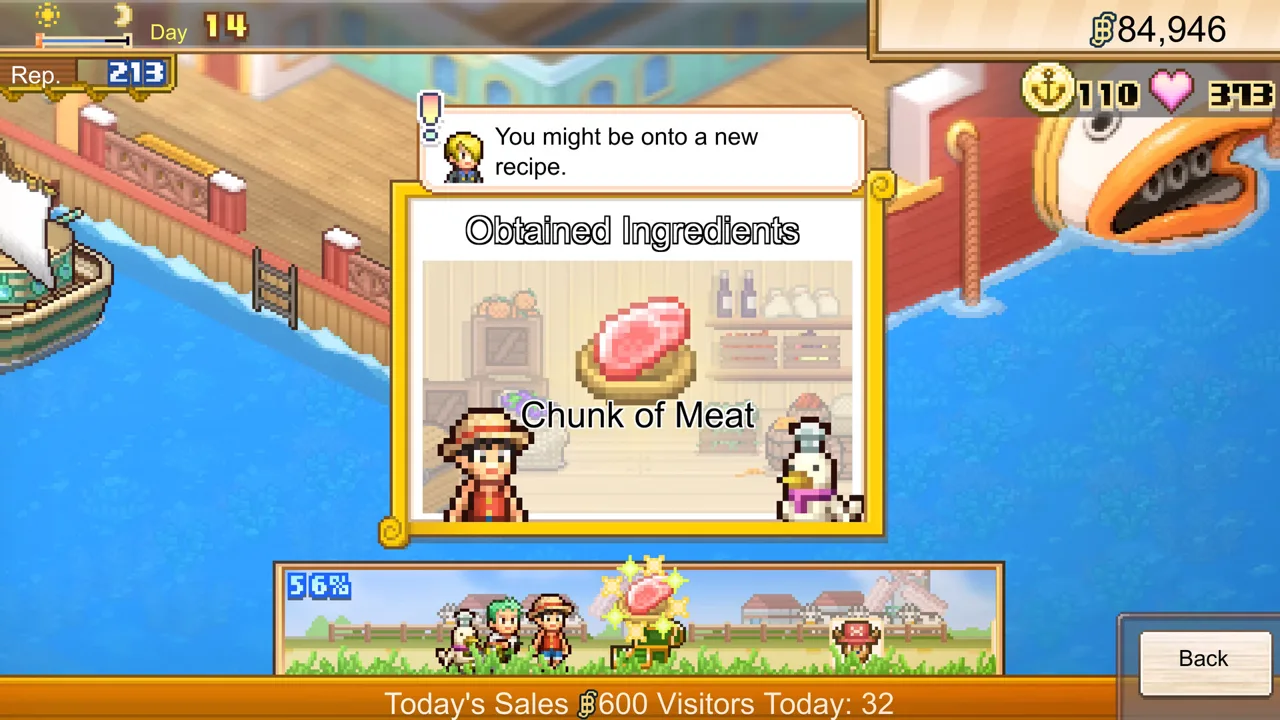 Image: Steam / Kairosoft Co.,Ltd
| Nintendo edition or estimate | Estimated game file size |
|---|---|
| Nintendo Switch version | 344 MB |
| Dedicated Nintendo Switch 2 version | 291 MB |
| Separate Nintendo Switch 2 estimate accompanying the Switch version | 344 MB |
These are estimated game file sizes. Read the estimate attached to your selected edition when preparing space, particularly because the two Switch 2 figures differ.
Keep console estimates tied to their editions
A Nintendo download size belongs to that console release. Do not carry the 344 MB or 291 MB figures over to Steam, an iPhone, or an Android device when planning storage.
The same principle applies when comparing the two Nintendo versions. A smaller estimated file does not tell you which version looks better, runs faster, or offers a better experience. File size measures storage; it is not a performance rating.
Check free space on the console where you will install the game, then compare it with the estimate for your chosen edition. Leave room beyond the displayed estimate rather than filling the device to its limit. That is storage planning, not a separate numerical game requirement.
Separate storage from other compatibility checks
A device can have enough free storage and still fail a different compatibility check. On PC, processor and operating system architecture remain separate requirements. On Nintendo Switch, the dedicated Switch 2 edition remains incompatible regardless of available space.
When reviewing ONE PIECE: Grand Gourmet system requirements, answer these questions individually: Is this the right platform? Is this the correct edition? Does the device meet the relevant architecture requirement? Is there space for the selected download?
Working through those questions prevents a small download estimate from becoming an assumption about overall compatibility.
Controllers, Play Modes, and Save Features
Hardware compatibility also includes how you intend to play. The Steam edition supports controllers, while both Nintendo editions support TV, tabletop, and handheld modes.
| Feature | Steam edition | Nintendo editions |
|---|---|---|
| Controller features | Full controller support, Steam Input, DualShock and DualSense support | Console play modes supported |
| TV, tabletop, and handheld modes | — | All three supported |
| Cloud-save feature | Steam Cloud | Save Data Cloud backup requires Nintendo Switch Online |
| Achievements | Steam Achievements | — |
A dash means the feature is outside this comparison, rather than a claim that the platform lacks it.
Match your preferred controls to the edition
If you prefer using a controller on PC, full controller support and Steam Input are relevant features. DualShock and DualSense support are also included. Those options let controller compatibility become part of your platform choice without treating it as a CPU or graphics requirement.
Nintendo players can choose among TV, tabletop, and handheld modes. Touchscreen support is also included for the Nintendo versions. Consider where you expect to play when choosing your setup: at a television, with the console on a table, or in your hands.
None of these control options replaces the core ONE PIECE: Grand Gourmet system requirements. Controller support does not resolve an incompatible operating system, and handheld support does not make the dedicated Switch 2 software usable on the original Switch.
Keep cloud backup separate from save transfer
Steam Cloud is a feature of the PC edition. On Nintendo, Save Data Cloud backup requires a Nintendo Switch Online membership.
Cloud backup and transfer between Nintendo editions are different functions. The restriction remains that Nintendo Switch save data cannot transfer to the Nintendo Switch 2 version. Keep that distinction in mind if moving between those consoles is part of your purchase decision.
The game is a single-player management sim. For this requirements check, focus on compatible hardware, your selected edition, preferred controls, and the save features attached to that platform.
FAQ
What are the ONE PIECE: Grand Gourmet system requirements on PC?
The Windows Steam edition requires a 64-bit processor and a 64-bit operating system. That architecture requirement appears in both the minimum and recommended categories. Check both parts of your computer’s configuration; a 64-bit processor alone does not satisfy the operating system requirement.
Can ONE PIECE: Grand Gourmet run natively on Mac or Linux?
The Steam edition supports Windows. Native macOS and Linux versions are unsupported. The other announced platforms are Nintendo Switch, Nintendo Switch 2, App Store, and Google Play.
How much storage does ONE PIECE: Grand Gourmet need on Nintendo consoles?
The Nintendo Switch version has an estimated game file size of 344 MB. The dedicated Nintendo Switch 2 estimate is 291 MB, with a separate Switch 2 estimate of 344 MB also present. Check the estimate for the edition you select, and keep these console figures separate from PC or mobile storage planning.
Do the ONE PIECE: Grand Gourmet system requirements allow the Switch 2 edition on an original Switch?
No. The dedicated Nintendo Switch 2 edition requires Nintendo Switch 2 hardware and cannot run on the original Nintendo Switch. Choose the Nintendo Switch version for the original console. Save data also cannot transfer from the Nintendo Switch version to the Nintendo Switch 2 version.
Popular pages

ONE PIECE: Grand Gourmet Overview: Features & Release
Explore this ONE PIECE: Grand Gourmet overview for restaurant features, 400-plus characters, customization, platforms, and October 2026 release dates.
ONE PIECE: Grand Gourmet Platforms and Wishlist Guide
ONE PIECE: Grand Gourmet platforms and wishlist guide. Compare PC, Switch, Switch 2, and mobile options, then save the game ahead of its October release.
ONE PIECE: Grand Gourmet Trailer and Screenshots Guide
Explore ONE PIECE: Grand Gourmet trailer and screenshots, preview its floating restaurant, and browse official media before choosing your own platform.
ONE PIECE: Grand Gourmet Developer and Publisher Guide
Meet the ONE PIECE: Grand Gourmet developer and publisher, Kairosoft and Bandai Namco Entertainment, and explore the credits behind this restaurant sim.
Join the community
Official channels for news, updates and player help: