
Coming soon · Steam release date: October 22, 2026
UpdatedONE PIECE: Grand Gourmet Platforms and Wishlist Guide
ONE PIECE: Grand Gourmet platforms and wishlist guide. Compare PC, Switch, Switch 2, and mobile options, then save the game ahead of its October release.
Jump to
ONE PIECE: Grand Gourmet Platform Options
The Straw Hat Crew’s floating restaurant is heading to consoles, PC, and mobile, so start by choosing where you want to play. This ONE PIECE: Grand Gourmet platforms and wishlist guide helps you find the right storefront and avoid buying the wrong Nintendo version. The essential ONE PIECE: Grand Gourmet platforms and wishlist details cover Nintendo Switch, Nintendo Switch 2, Windows PC through Steam, and mobile through the App Store and Google Play.
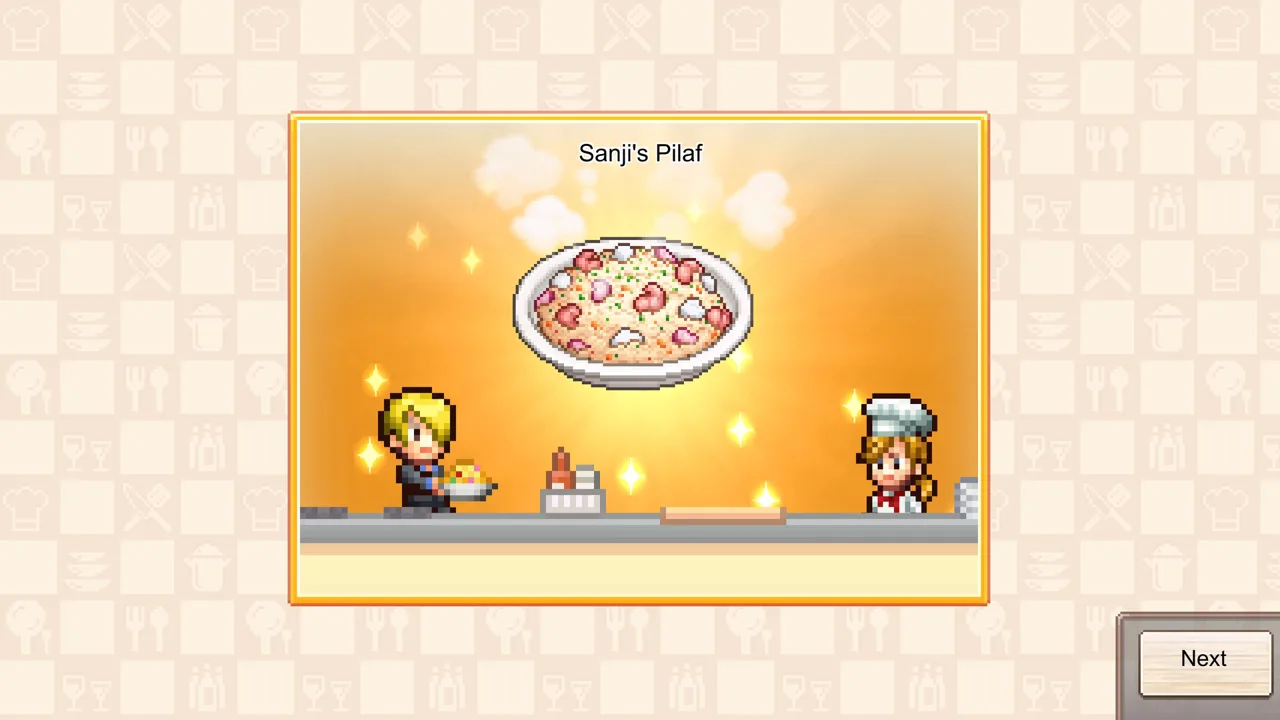
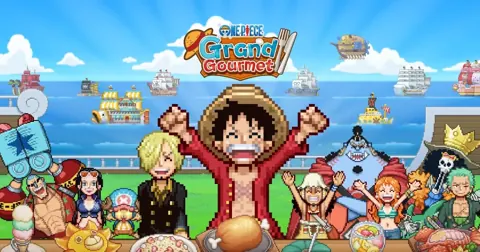
Developed by Kairosoft and published by Bandai Namco Entertainment, Grand Gourmet is an upcoming single-player restaurant management simulation. You join the Straw Hat Crew aboard Baratie Number Two, helping turn a floating restaurant into a destination for familiar ONE PIECE characters.
Here’s how the announced platforms break down:
| Platform | Storefront | Key platform detail |
|---|---|---|
| Nintendo Switch | Nintendo Store | Has its own digital edition |
| Nintendo Switch 2 | Nintendo Store | Has a separate digital edition exclusive to Switch 2 |
| Windows PC | Steam | Supports Windows and includes a wishlist option |
| Mobile through the App Store | App Store | Device compatibility needs checking before purchase |
| Android devices | Google Play | Device compatibility needs checking before purchase |
The Nintendo editions deserve particular attention because they have separate product pages and a restriction on moving save data from the Nintendo Switch version to the Nintendo Switch 2 version. Steam offers a direct wishlist destination, while the mobile platforms are included among the announced release options.
Choose your platform around the hardware you intend to use. If you own both Nintendo systems, decide which edition you want before purchasing. If you’re planning to play on PC, head directly to the game’s Steam page. For mobile, use the official website as your starting point for platform access.
Keep those edition differences in mind as you work through the ONE PIECE: Grand Gourmet platforms and wishlist options. Having the same game title across several devices does not make every purchase interchangeable.
How to Wishlist ONE PIECE: Grand Gourmet on Steam
You can use the ONE PIECE: Grand Gourmet Steam page to access the PC version and add the game to your wishlist. The Steam app ID is 3905010, which helps distinguish this release from other ONE PIECE games.
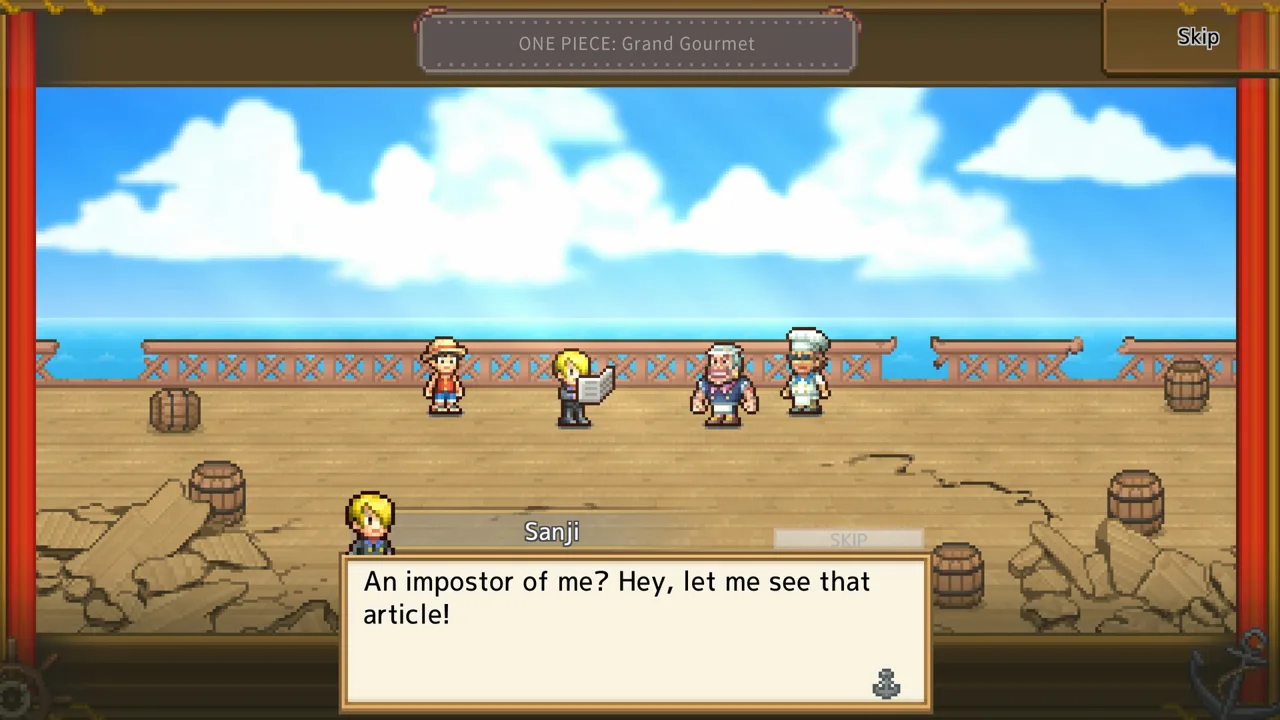 Image: Steam / Kairosoft Co.,Ltd
For ONE PIECE: Grand Gourmet platforms and wishlist access on PC, the direct Steam page keeps the process focused on the correct game. Check the title before using the wishlist option, especially if you arrived through a search for the broader ONE PIECE series.
The Windows version includes several platform features:
- Full controller support.
- Steam Input support.
- Steam Achievements.
- Steam Cloud.
- Steam Family Sharing.
Those features give you concrete details to compare with the Nintendo editions. Controller support is part of the PC version, and Steam Cloud is included among its Steam features. Keep that cloud feature separate from the Nintendo restriction discussed below: it does not describe transferring a Nintendo save into the PC game.
The Steam version supports Windows. Its listed processor and operating system requirement is 64-bit. Use that requirement when checking your computer, and review the game page before purchasing rather than choosing hardware around assumptions about its pixel art.
You can also open the official ONE PIECE: Grand Gourmet website and use its Steam wishlist link. The website includes a Digital Standard Edition containing the base game and a Steam preorder option.
Use the Steam wishlist option if you want to wishlist the game, or review the Digital Standard Edition when you’re ready to buy the PC edition.
Nintendo Switch vs. Nintendo Switch 2: Check the Edition
Grand Gourmet has separate digital editions for Nintendo Switch and Nintendo Switch 2. Open the page for the edition you intend to buy rather than relying on the shared game name.
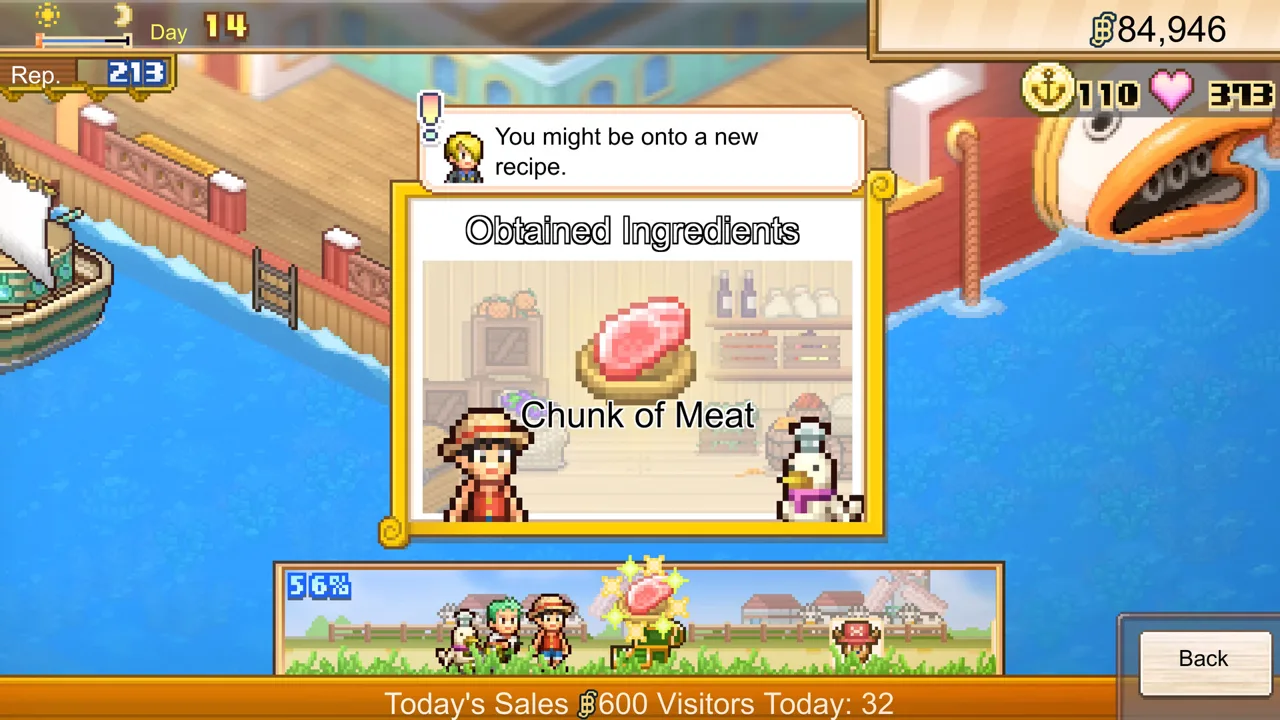 Image: Steam / Kairosoft Co.,Ltd
The important difference is straightforward: the Nintendo Switch 2 edition cannot be used on the original Nintendo Switch. Nintendo also warns against duplicate purchases, so check the version name before completing a transaction.
| Detail | Nintendo Switch edition | Nintendo Switch 2 edition |
|---|---|---|
| Edition format | Digital | Digital |
| Supported play modes | TV, tabletop, and handheld | TV, tabletop, and handheld |
| Touchscreen feature | Included | Included |
| American English | Supported | Supported |
| Save transfer from Switch to Switch 2 | Save data cannot transfer to the Switch 2 version | Cannot receive save data from the Switch version |
| Save Data Cloud backup | Requires Nintendo Switch Online | Requires Nintendo Switch Online |
Use the Nintendo Switch edition page for the original version. Use the Nintendo Switch 2 edition page for the version made exclusively for Switch 2.
Both editions support TV, tabletop, and handheld play. Those modes let you choose how to use your Nintendo system, while touchscreen support is another listed feature. They do not provide a basis for assuming a performance difference between editions.
The save restriction matters if you expect to change versions later. Save data cannot be transferred from the Nintendo Switch version to the Nintendo Switch 2 version. Decide which version you want to keep playing before purchasing, especially if you already own both consoles or plan to move to Switch 2.
Nintendo Switch Online is required for Save Data Cloud backup. That requirement applies to cloud backup; Grand Gourmet itself is described as a single-player game.
Both Nintendo versions include American English alongside Japanese, French, German, Italian, Spanish, Korean, Simplified Chinese, Traditional Chinese, Latin American Spanish, Brazilian Portuguese, and Thai.
For this part of the ONE PIECE: Grand Gourmet platforms and wishlist decision, focus on the edition label and save transfer restriction. Those details have a direct effect on your purchase.
Mobile Platforms and the October Release Dates
The ONE PIECE: Grand Gourmet platforms and wishlist choices also include mobile: the game is announced for the App Store and Google Play. That gives Apple and Android players a platform option alongside Nintendo and Windows PC.
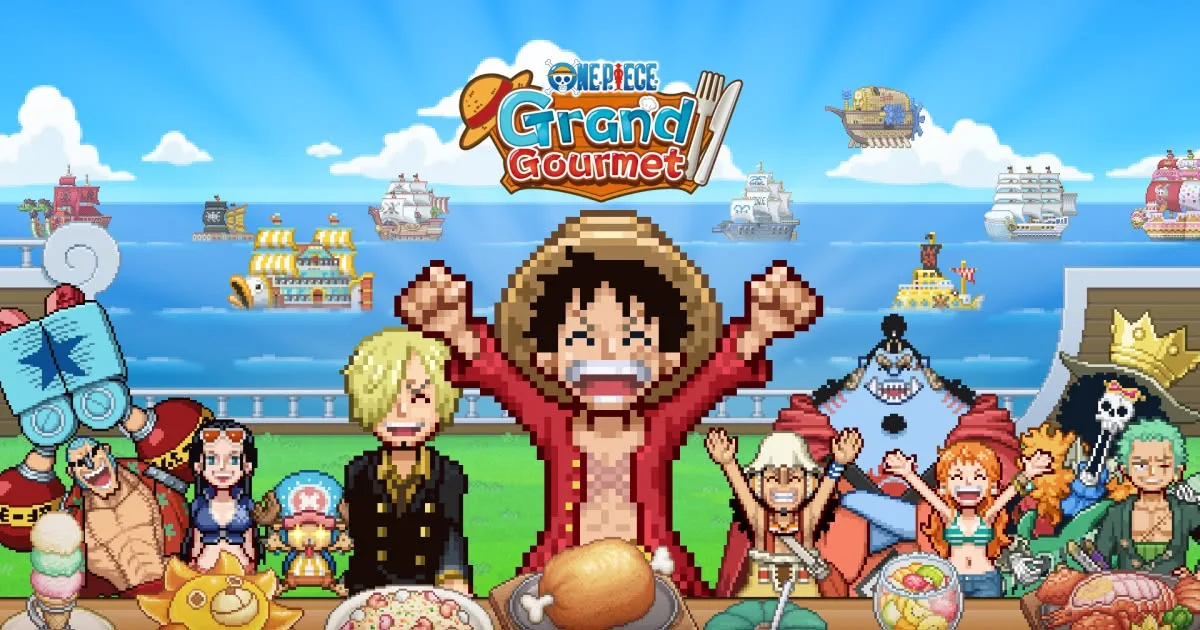 Image: www.bandainamcoent.com
Device compatibility is part of the mobile purchase decision. Some devices may not be compatible, and any data charges are the player’s responsibility. Check the compatibility information for your device before purchasing the mobile version.
Use the official Grand Gourmet website’s platform options to start looking for your preferred mobile edition. The App Store and Google Play are the announced storefronts, so keep your purchase tied to the appropriate platform.
The release dates also need a careful read because Steam and the Nintendo editions display different calendar dates:
| Platform or release announcement | Release date |
|---|---|
| Steam PC version | October 22, 2026 |
| Nintendo Switch edition | October 23, 2026 |
| Nintendo Switch 2 edition | October 23, 2026 |
| Bandai Namco’s announced release | October 23, 2026 |
For PC planning, use the Steam version’s October 22 date. For either Nintendo edition, use October 23. Bandai Namco’s broader announcement places the game’s opening on October 23.
Keep these as release dates rather than treating them as a promise of access at a particular hour. A calendar date alone is not an exact unlock time, so check the relevant storefront when you’re ready to purchase or start playing.
The practical task before release is choosing the correct platform destination. Save the Steam page if you’re considering PC, keep the appropriate Nintendo edition handy if you’re playing on console, or use the official website to reach the mobile platform options.
What to Check Before You Wishlist or Buy
Grand Gourmet’s premise gives you a clear reason to consider it: building a restaurant with the Straw Hat Crew. Its advertised features include working with Sanji to develop dishes, arranging meals, and decorating Baratie Number Two.
The character roster includes over 400 ONE PIECE characters appearing as staff and customers. Restaurant customization includes over 200 furniture, building, and decorative items, with themes drawn from locations such as Whole Cake Island and Egghead.
That is the short overview to keep in mind while deciding whether the game belongs on your wishlist. It combines restaurant management, familiar characters, and pixel art, with single-player play across its announced platforms.
Before making a purchase, work through the details that affect the version you’ll receive:
| Check | Action |
|---|---|
| Game identity | Match the full title: ONE PIECE: Grand Gourmet |
| Nintendo edition | Choose the Switch or Switch 2 product page deliberately |
| Nintendo save plans | Account for the restriction on transferring saves from Switch to Switch 2 |
| PC platform | Check Windows support and the 64-bit processor/OS requirement |
| Mobile device | Check device compatibility before purchasing |
| Release date | Use October 22 for Steam and October 23 for Nintendo |
Pay particular attention to the Nintendo edition if you own more than one console. Check the version before buying, and remember that save data cannot transfer from the Nintendo Switch version to the Nintendo Switch 2 version.
For PC, use the Steam page to access the wishlist option. The Digital Standard Edition contains the base game.
For mobile, make device compatibility part of the decision before payment. The announced App Store and Google Play releases give you storefront options, but your own device still needs to meet the compatibility conditions.
The ONE PIECE: Grand Gourmet platforms and wishlist choice comes down to a few useful facts: which hardware you’ll play on, which edition you’re buying, and which release date applies. Check those before committing, then use the official page for the version you want.
FAQ
Which platforms are included in the ONE PIECE: Grand Gourmet platforms and wishlist options?
ONE PIECE: Grand Gourmet is announced for Nintendo Switch, Nintendo Switch 2, Windows PC through Steam, the App Store, and Google Play. The PC version has a Steam wishlist option, while the two Nintendo editions have separate product pages.
Where can I wishlist ONE PIECE: Grand Gourmet on PC?
Open the ONE PIECE: Grand Gourmet Steam wishlist page and use the wishlist option. Its Steam app ID is 3905010. You can also reach Steam through the game’s official website.
Can I transfer my Nintendo Switch save to the Switch 2 edition?
No. Save data cannot be transferred from the Nintendo Switch version to the Nintendo Switch 2 version. The Switch 2 edition is also exclusive to Nintendo Switch 2 and cannot be played on the original Switch.
When does ONE PIECE: Grand Gourmet release?
The Steam version has an October 22, 2026 release date. Nintendo Switch and Nintendo Switch 2 have an October 23, 2026 release date, matching Bandai Namco’s announced October 23 launch. These dates do not specify an exact unlock hour.
Popular pages

ONE PIECE: Grand Gourmet Overview: Features & Release
Explore this ONE PIECE: Grand Gourmet overview for restaurant features, 400-plus characters, customization, platforms, and October 2026 release dates.
ONE PIECE: Grand Gourmet System Requirements Guide
Check ONE PIECE: Grand Gourmet system requirements, 64-bit PC support, Switch download sizes, and mobile compatibility before choosing a platform to play.
ONE PIECE: Grand Gourmet Trailer and Screenshots Guide
Explore ONE PIECE: Grand Gourmet trailer and screenshots, preview its floating restaurant, and browse official media before choosing your own platform.
ONE PIECE: Grand Gourmet Developer and Publisher Guide
Meet the ONE PIECE: Grand Gourmet developer and publisher, Kairosoft and Bandai Namco Entertainment, and explore the credits behind this restaurant sim.
Join the community
Official channels for news, updates and player help: